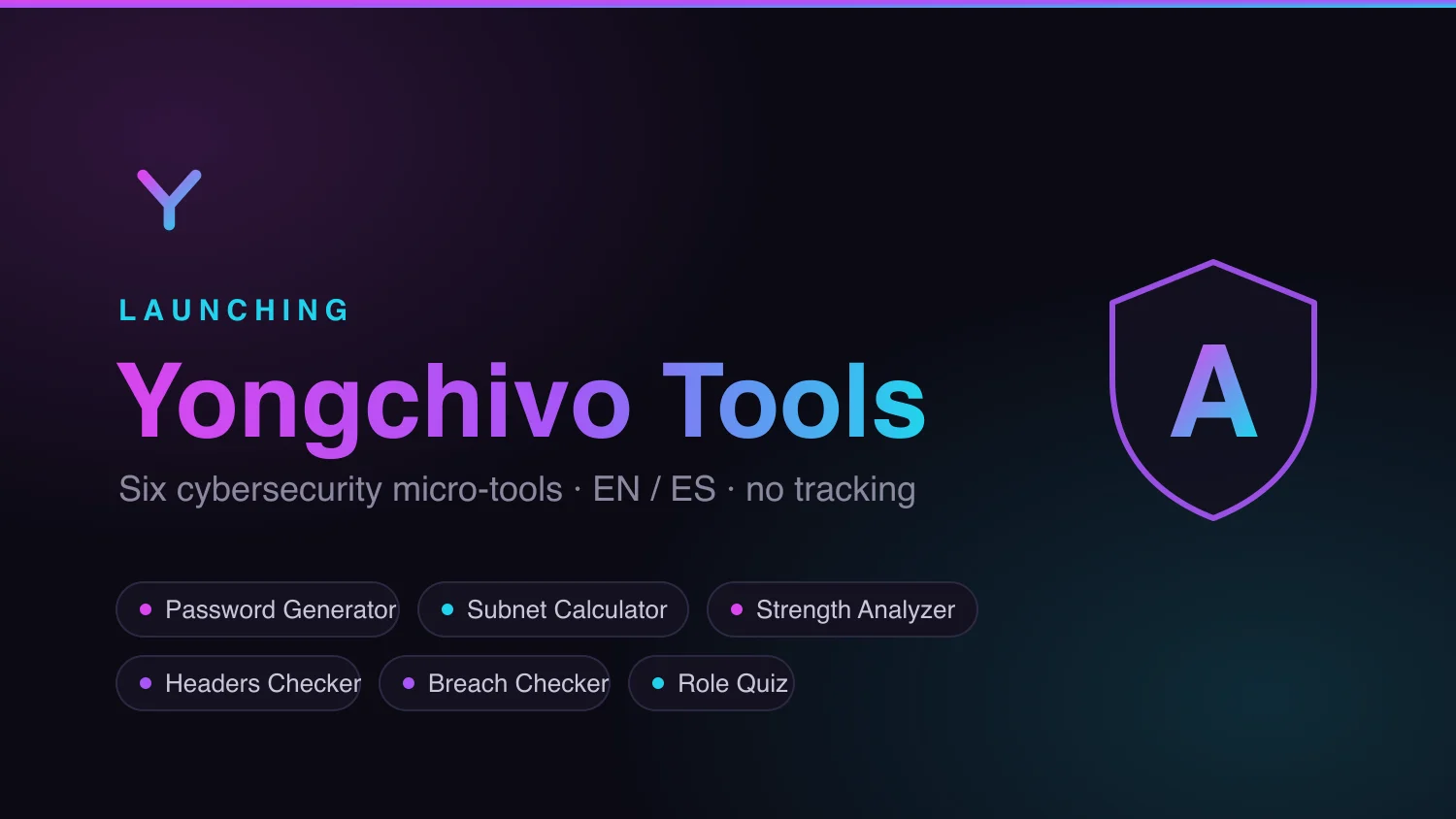
Launching Yongchivo Tools: six cybersecurity micro-tools, bilingual, no tracking
Today I’m launching Yongchivo Tools, a hub of free cybersecurity micro-tools at tools.yongchivo.com. Six tools, in English and Spanish, built from scratch over the last few weeks.
What’s live
- Password Generator — cryptographically secure random passwords, generated entirely in your browser.
- Subnet Calculator — network address, mask, usable host range, from any CIDR block.
- Password Strength Analyzer — real-time analysis of how long a password would realistically take to crack.
- Security Headers Checker — audits any site’s HTTP security headers and grades it A through F.
- Breach Checker — checks whether an email has shown up in known data breaches.
- Which Cyber Role Are You? — a 7-question quiz that matches you to a pentester, SOC analyst, digital forensics investigator, security engineer, or GRC analyst profile.
Everything lives at tools.yongchivo.com, mirrored in Spanish under /es/.
Why “no tracking” isn’t just marketing copy
Four of the six tools — the password generator, the subnet calculator, the strength analyzer, and the quiz itself — run entirely in the browser. Nothing you type ever leaves your device.
The other two are the honest exception, and I’d rather say that plainly than hide it. The Security Headers Checker has to make a server-side request to whatever site you’re checking (to read its headers), and the Breach Checker has to query an external breach database to check an email. In both cases, nothing gets logged or stored anywhere — the data exists only in memory for the length of that one request.
The technical parts worth talking about
I built the whole thing on Astro + Tailwind on Cloudflare Workers, using Claude Code as my only development hands. A few decisions I took seriously, because they’re exactly the kind of thing I study in my Cyber Security degree:
SSRF in the Security Headers Checker. Any tool that fetches a
user-supplied URL is, by definition, an SSRF vector. The Worker blocks
private IP ranges, localhost, the cloud metadata address
(169.254.169.254), non-HTTP schemes, credentials embedded in the URL,
and non-standard ports — and it re-validates every redirect hop against
the same rules, so a public URL can’t bounce into a private network.
A real secret-management incident. While wiring up the newsletter integration (Beehiiv), a terminal slip caused the real API key to get saved as the name of a Cloudflare secret instead of its value — and secret names aren’t treated as sensitive, so it briefly sat exposed in plain metadata. We caught it, rotated the key in Beehiiv immediately, and redid it properly. You learn more from those ten minutes than from an entire lecture on the topic.
The site grading itself. When I ran the Security Headers Checker
against my own domain, it came back F/0 — zero security headers.
Fixed it the same day with a _headers file (Strict-Transport-Security,
CSP, X-Frame-Options, and the rest), and tools.yongchivo.com now scores
A. It felt important not to ship a security tool from a site that
would fail its own audit.
What’s next
The full roadmap — six tools, bilingual SEO, a newsletter funnel segmented by matched role, cookieless analytics — is already deployed. The next steps are about content, not construction: sharing each tool individually on LinkedIn, TikTok, and Instagram over the coming weeks.
If you want to try something first, start with the quiz: which cyber role are you?
Part of “learning in public” — documenting projects, mistakes, and things I figure out while studying Cyber Security and building software alongside it.
Comments
Sign in with GitHub to leave a comment or react. Be kind, be useful.